
PREMSANKAR V
4.0
ratings39 MB
SizeVerified
SCREENSHOTS (8)
About the app
TwinShare – Fast File Transfer
Share files between devices with TwinShare!
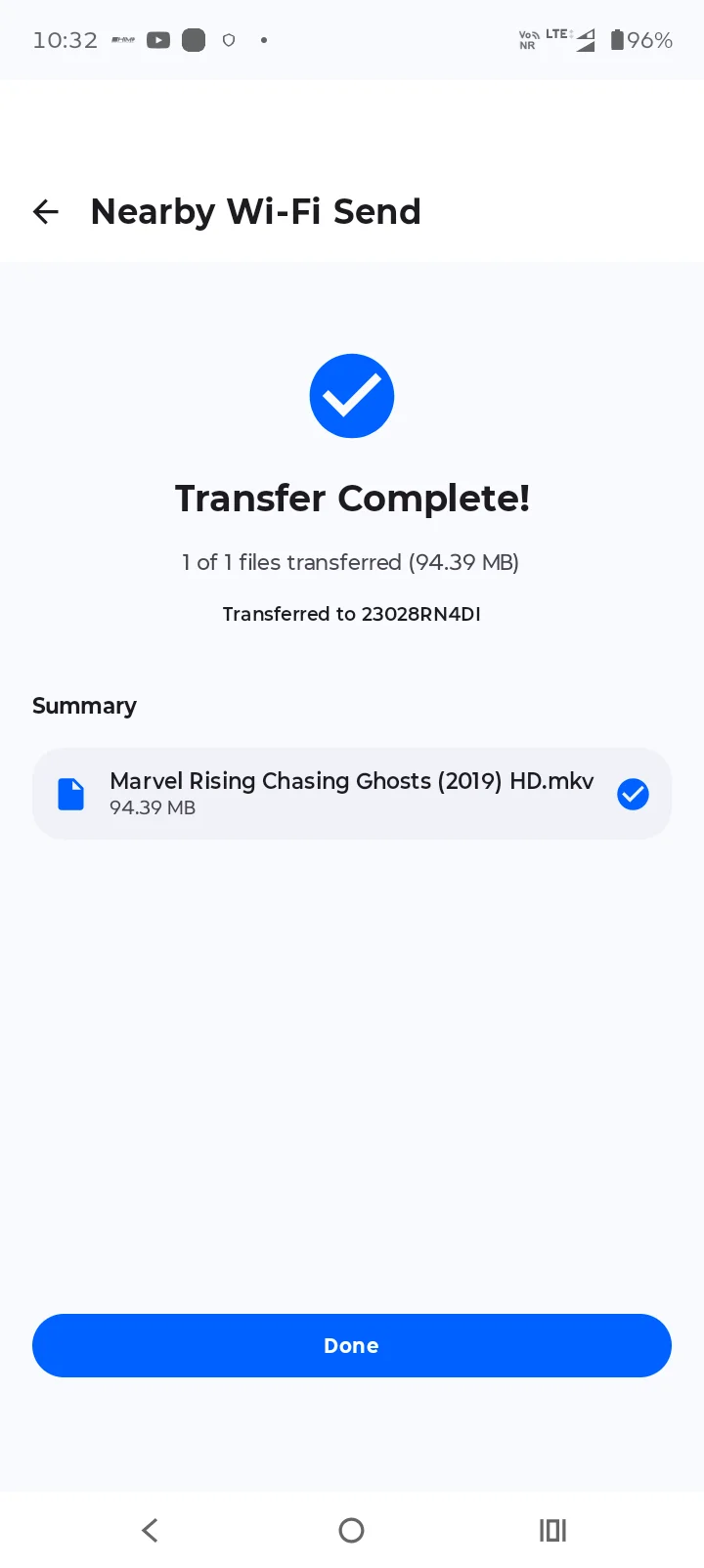
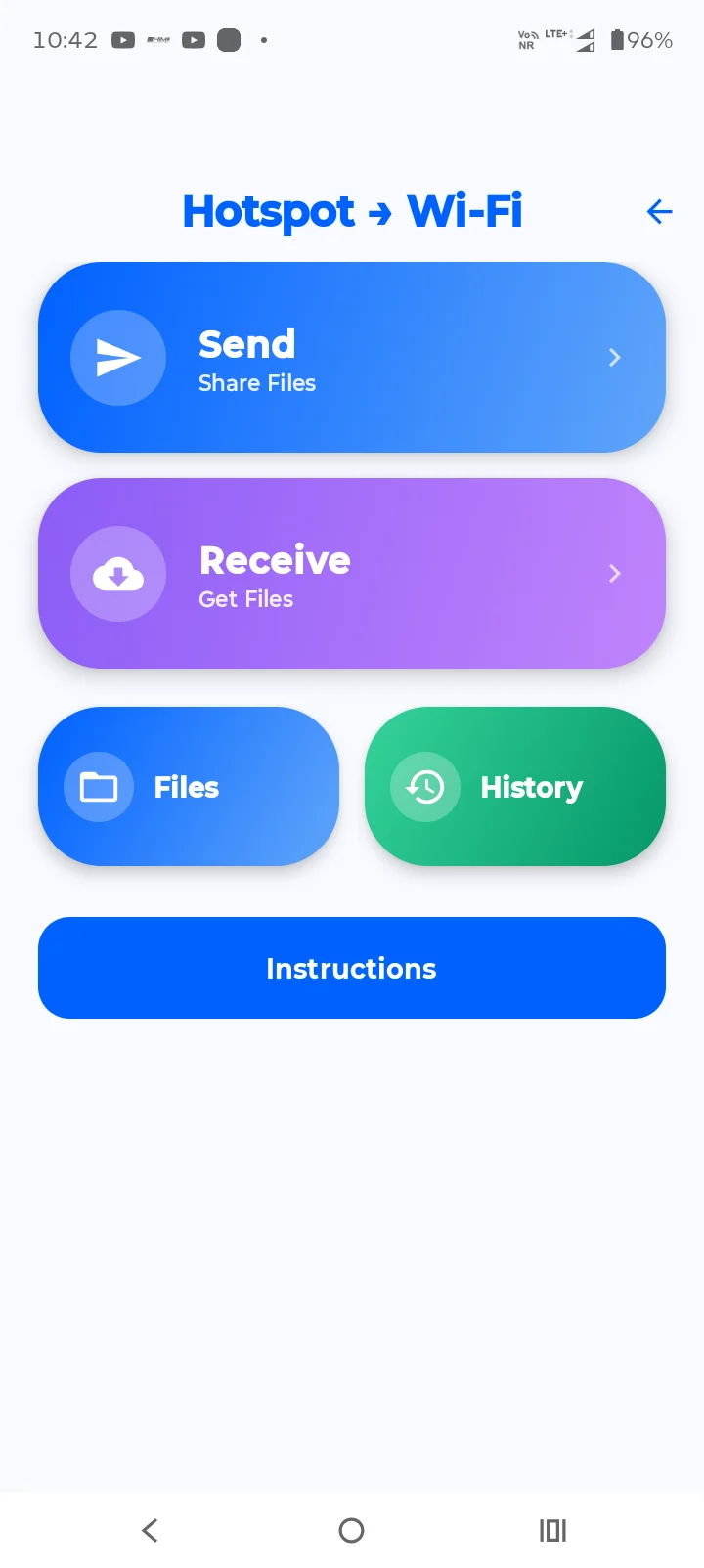
TwinShare is a convenient Android file-transfer app designed to help you send and receive files between compatible devices using Nearby Wi-Fi and Hotspot Wi-Fi connection methods. With QR code pairing and a simple interface, connecting devices and transferring files is easy.
Whether you want to share photos, videos, documents, music, or other supported files, TwinShare provides a straightforward way to transfer them between devices.
🚀 Key Features
📡 Hotspot Wi-Fi File Transfer
Connect compatible devices using the supported Hotspot Wi-Fi method and transfer files without relying on mobile data for the local transfer.
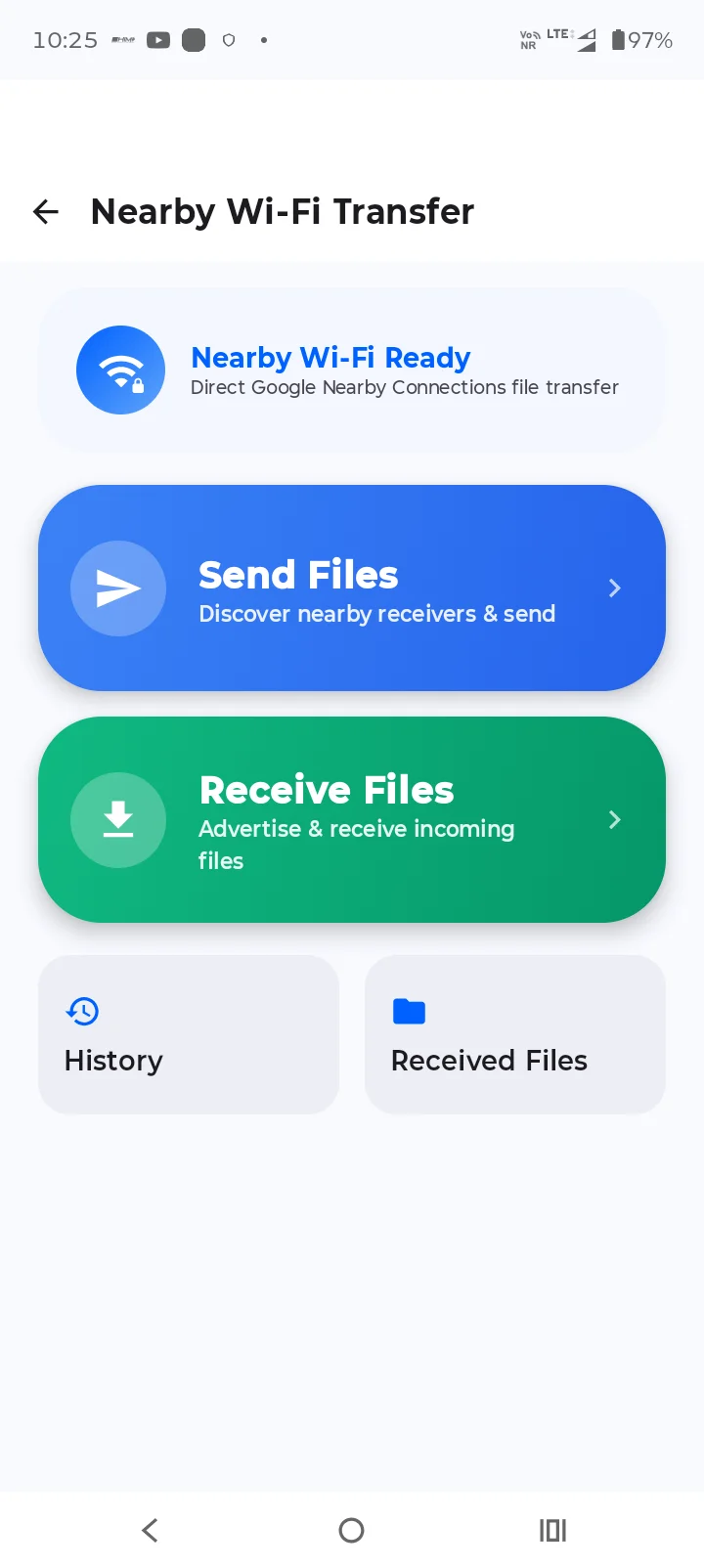
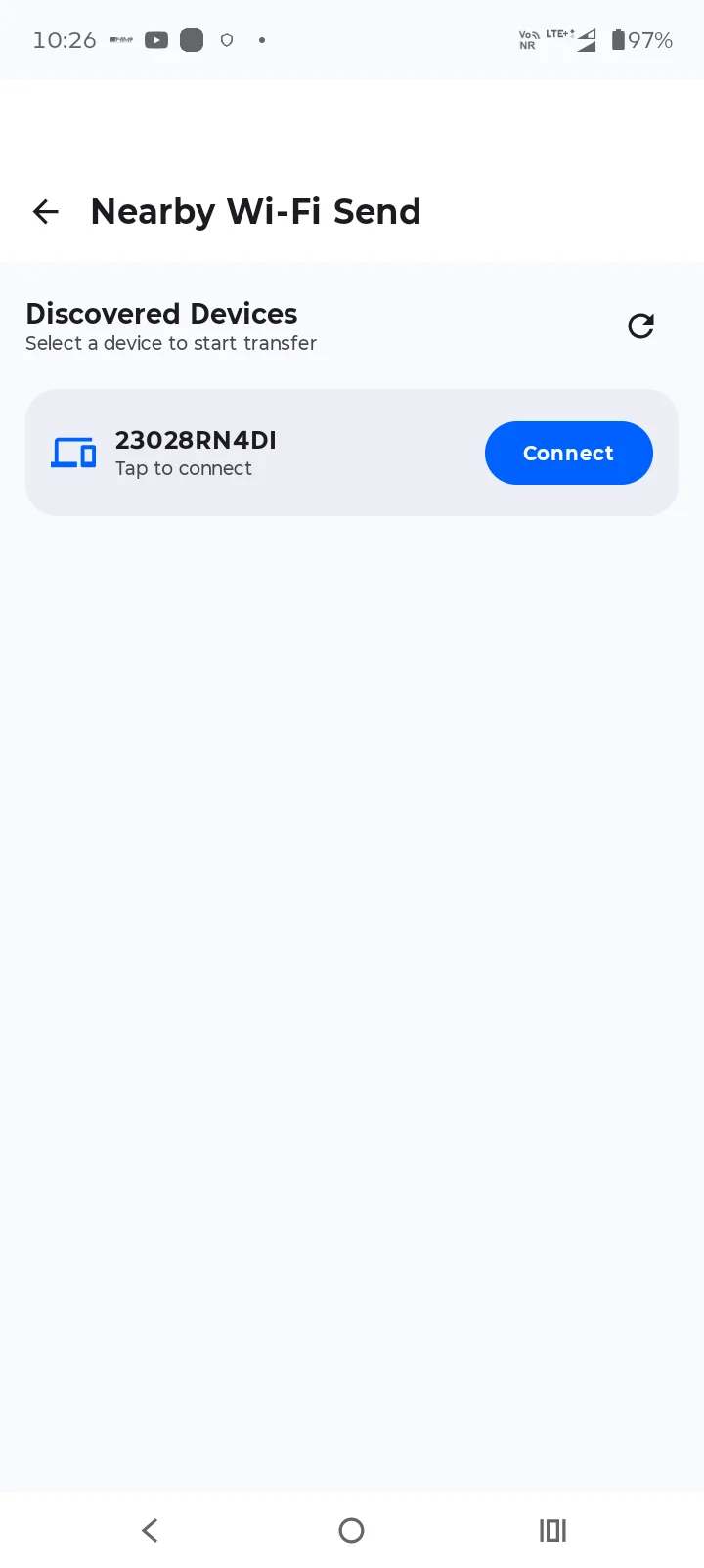
📶 Nearby Wi-Fi Transfer
Use the available Nearby Wi-Fi connection method to connect compatible devices and share files.
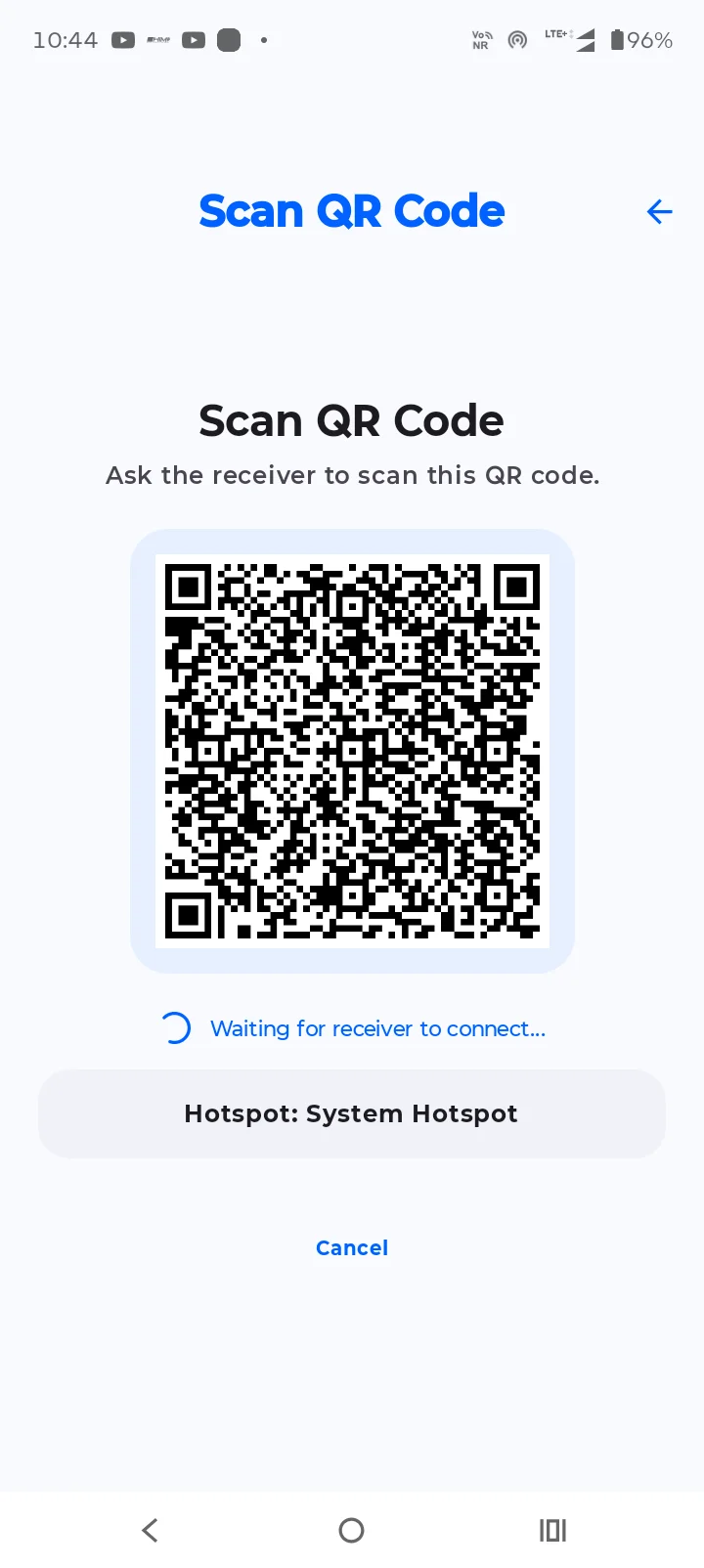
📷 QR Code Pairing
Use QR code scanning to simplify device connection when supported by the selected transfer method.
📁 Send and Receive Files
Select supported files to send and receive files from another connected device.
🎬 Share Different File Types
Transfer supported content such as:
- Photos and images
- Videos and movies
- Music and audio files
- Documents and PDFs
- Other supported files
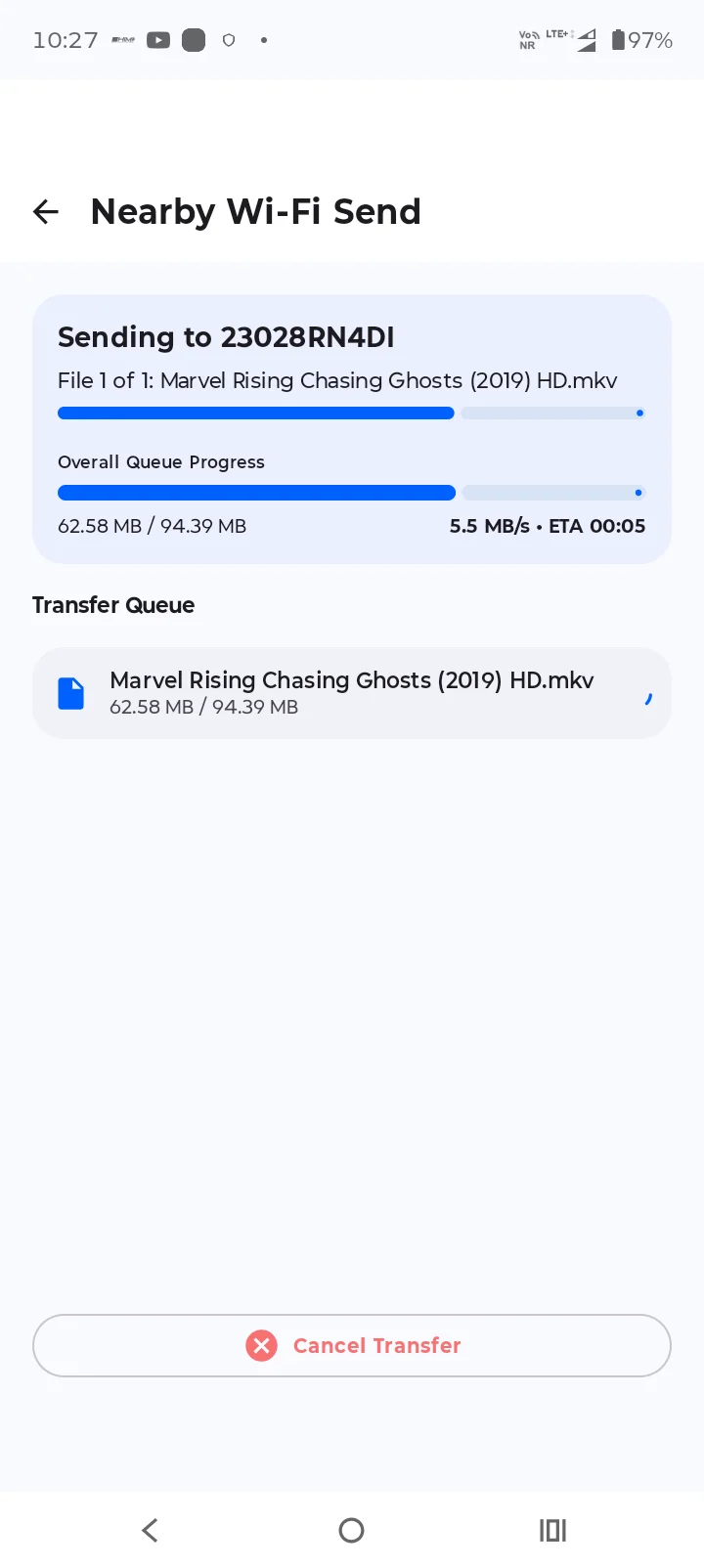
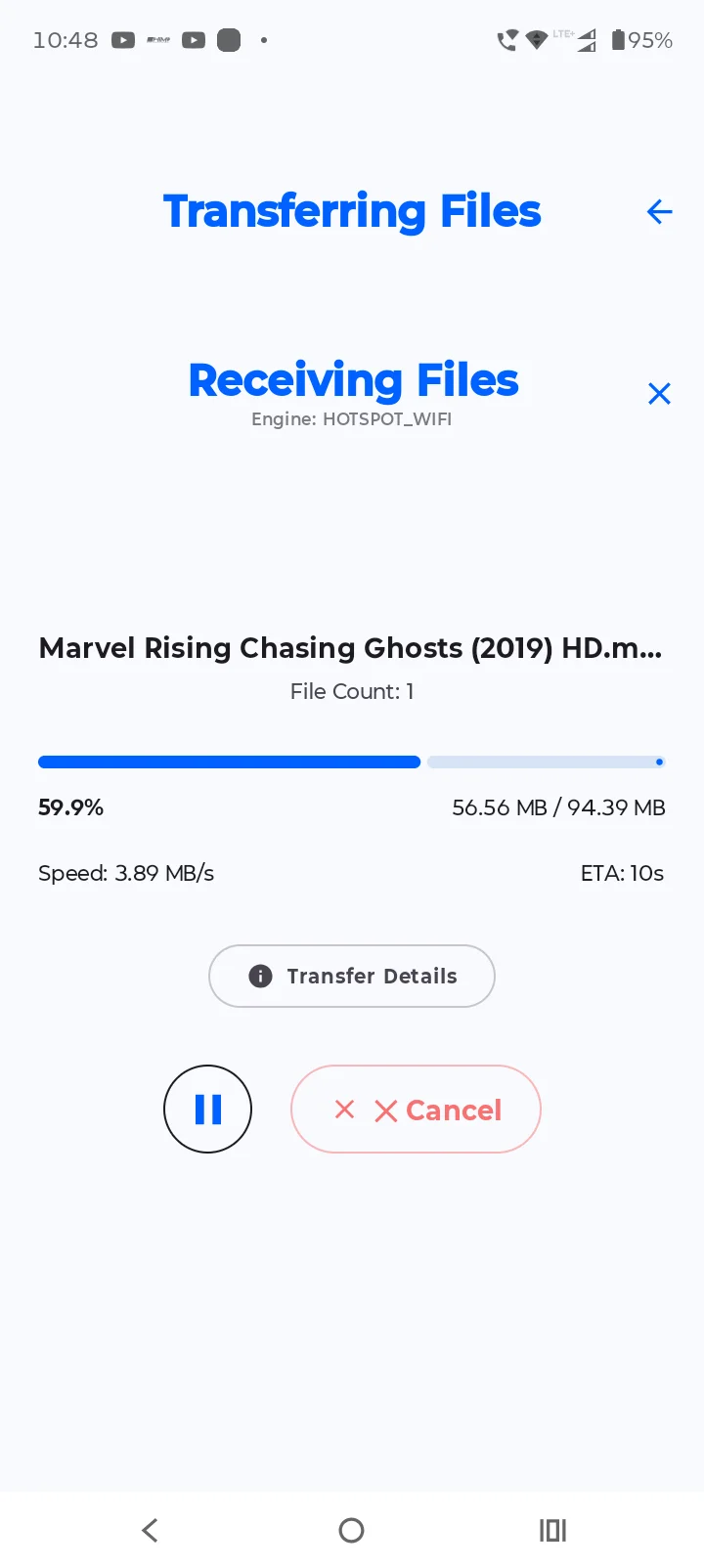
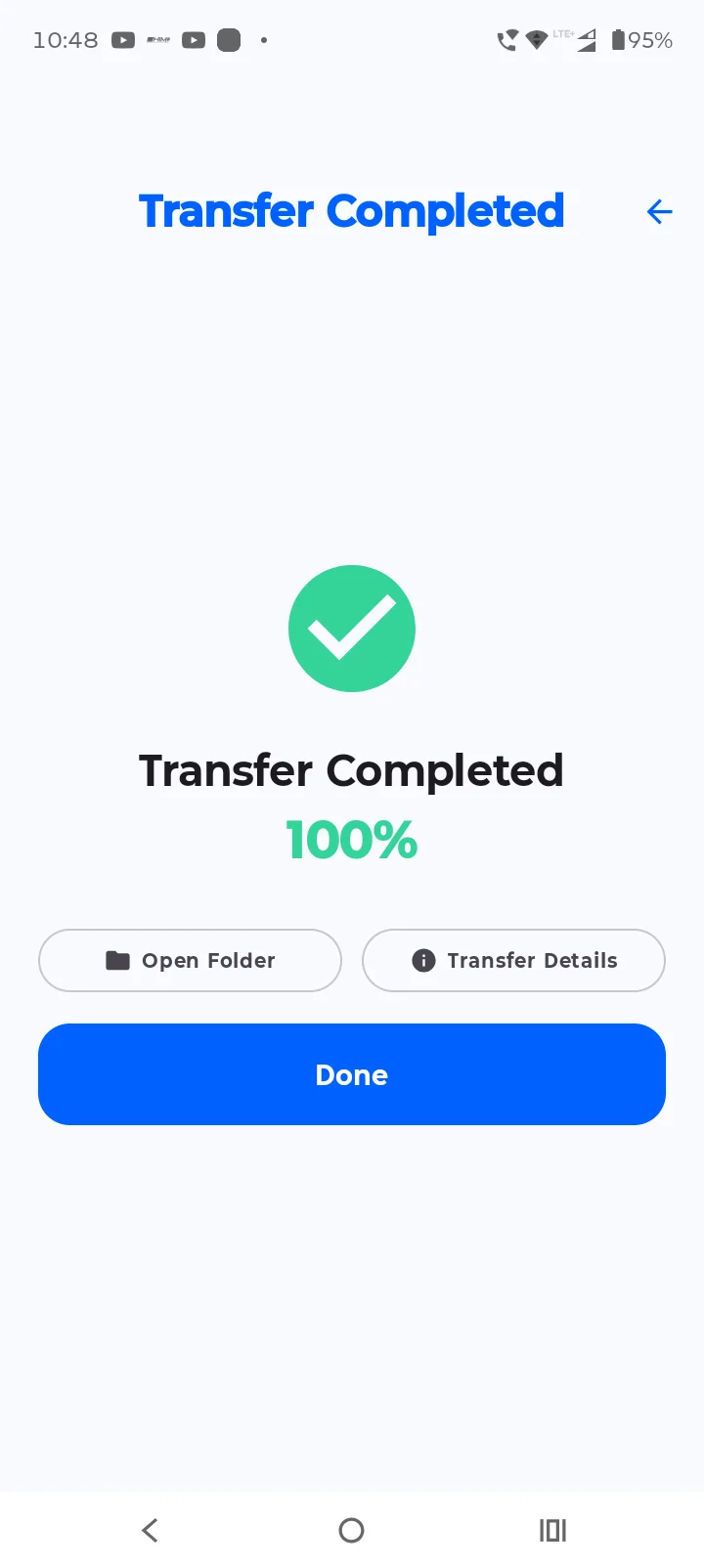
📊 Transfer Progress
Follow the transfer process and check its status through the app's transfer interface.
📱 Simple and User-Friendly Interface
TwinShare is designed with a straightforward interface to make file sharing easy to understand and use.
📂 Access Received Files
Find transferred files in the configured destination folder, subject to Android storage permissions and the selected save location.
📲 How to Use TwinShare
1. Install and open TwinShare on the compatible devices.
2. Select the available transfer method.
3. Connect the devices using the supported connection process or QR code pairing.
4. Select the files you want to share.
5. Start the transfer and monitor its progress.
6. Open the destination folder to access the received files.
🔒 Privacy and Security
TwinShare uses the permissions required for its file-sharing features, which may include access to selected files, camera access for QR code scanning, and network access for connecting devices.
Only share files with devices you trust. Connection availability and security depend on the selected transfer method, device configuration, and network environment.
Please review the app's Privacy Policy for additional information about data handling and third-party services.
📶 Requirements
- Compatible Android devices
- Required file or media permissions
- Wi-Fi support for the selected transfer method
- Camera permission when using QR code scanning
Some features may vary depending on the Android version, device hardware, permissions, and connection method.
🌟 Why Choose TwinShare?
TwinShare brings together convenient connection options, QR code pairing, and file-transfer functionality in one simple Android app. It is designed for users who want a practical way to share files between compatible devices.
Download TwinShare and make file sharing simpler!
Developer: Prem Creation
Tools
Ratings
0
0 total ratings
5
73%
4
10%
3
4%
2
3%
1
10%
REVIEWS
No reviews yet. Be the first one to review this app

Permissions
Location: access this device"s location
Storage: access photos, media, and files on your device
Internet: use your internet connection
Camera: take pictures and record video





Scan to download on PhonePe Appstore